

- Just the MCP server: one command that gives Claude every Bland tool.
- The Norm plugin: the MCP server plus slash commands, specialized agents, and a file-based pathway workspace. This is the full Bland development experience in Claude Code.
Prerequisites
- Claude Code installed
- Your Bland API key from the dashboard
Option 1: Add the MCP server
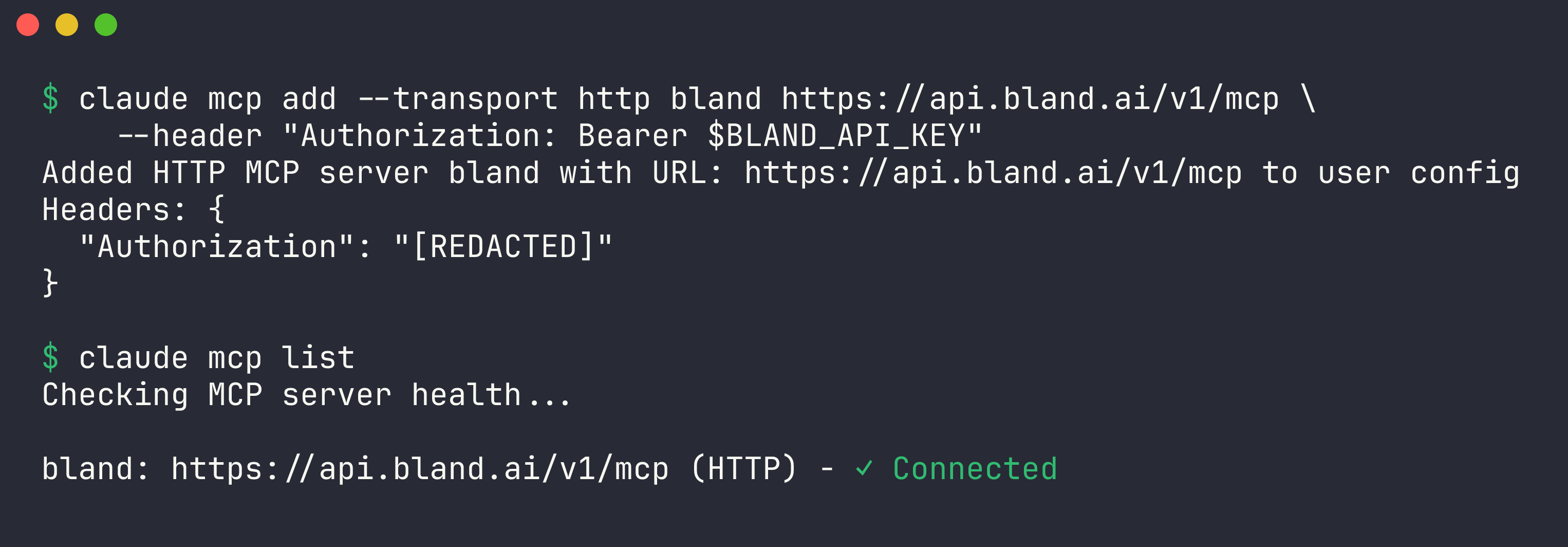
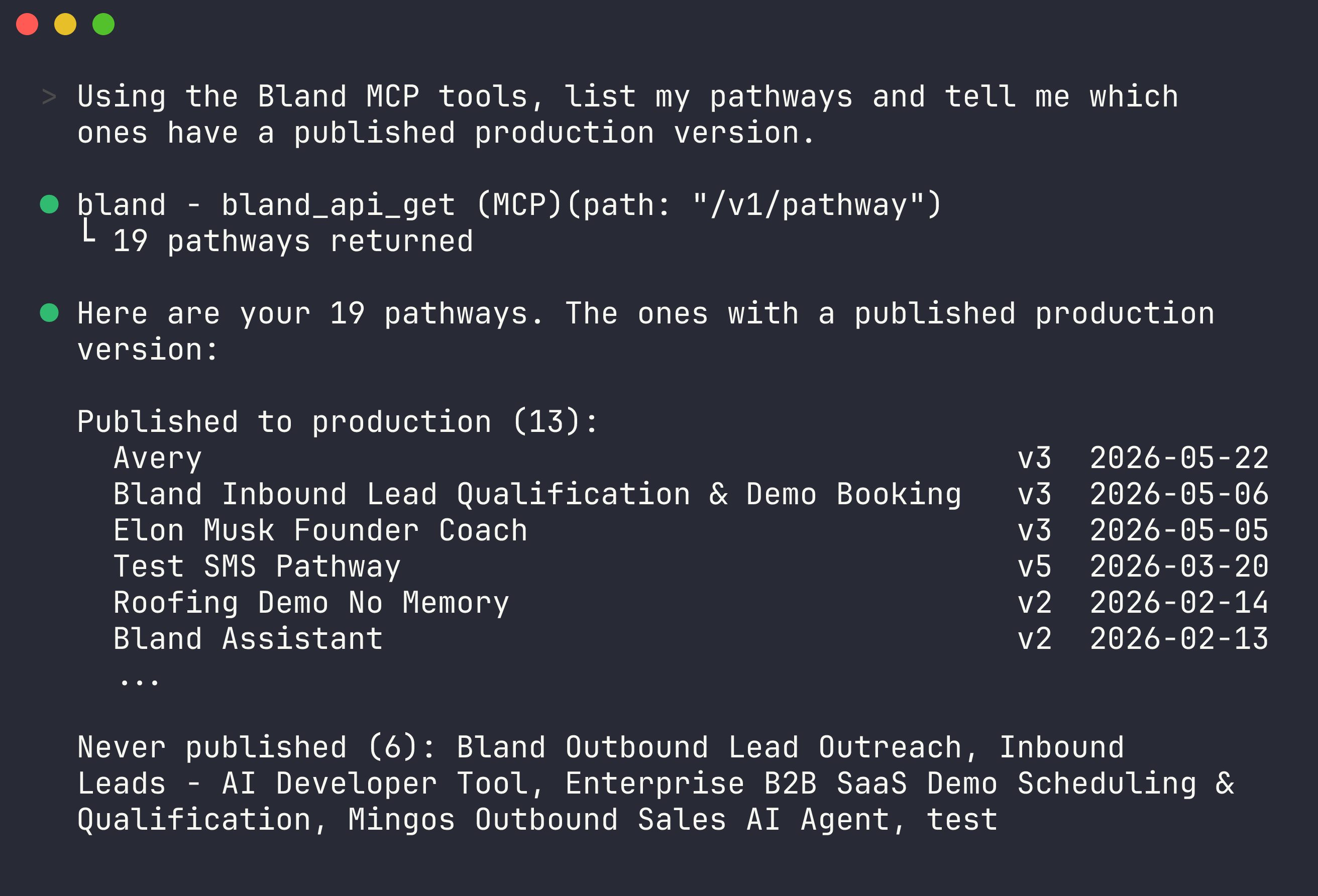
/mcp to see the server’s tools, or just ask:
Option 2: Install the Norm plugin
Norm layers a complete pathway-engineering workflow on top of the MCP server: clone a pathway into local files, edit it like code, validate against the real compiler, commit versions, simulate conversations, and converge on a goal with an autonomous test loop. Inside Claude Code:
See the Norm plugin page for the full command reference, the build-to-production flow, and the file-based pathway workspace.
Next steps
Tool reference
Everything the MCP server can do.
Other clients
Cursor, Codex, VS Code, Windsurf, and raw HTTP.