

- URL:
https://api.bland.ai/v1/mcp - Header:
Authorization: Bearer YOUR_BLAND_API_KEY
Setup
For Bland Agents work, install the Norm plugin (norm@bland). For the server alone, first set your API key in the shell where you run Claude Code. Replace org_... with your key:
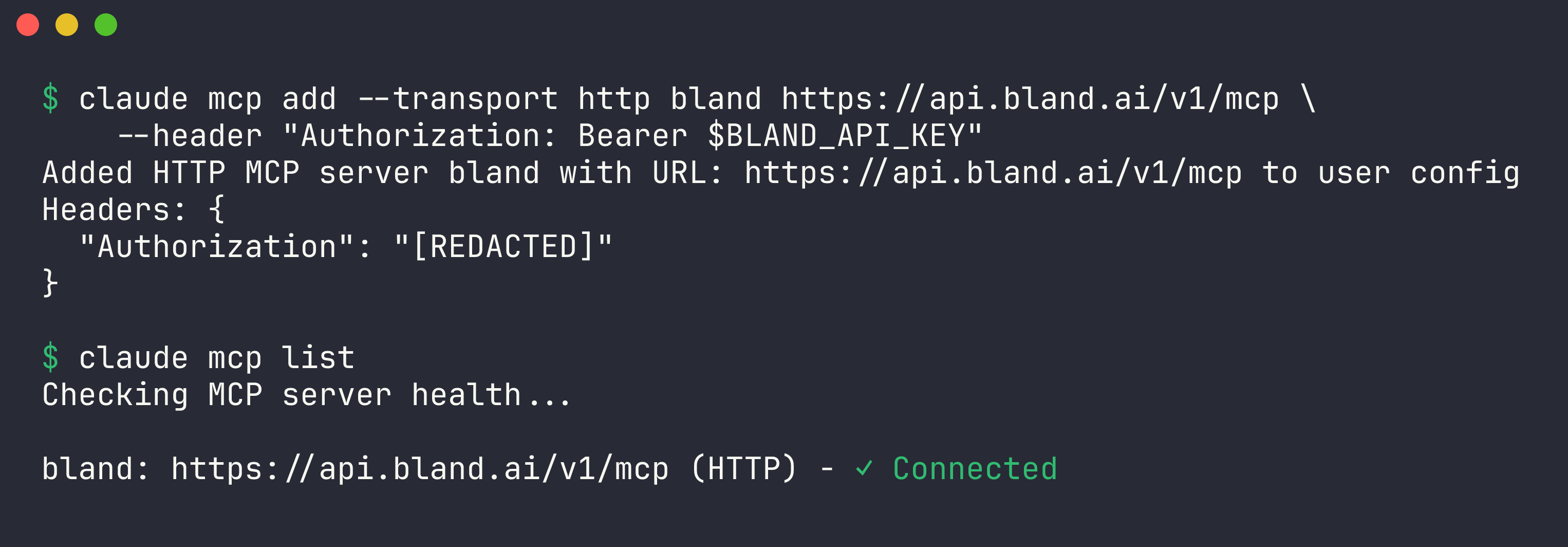
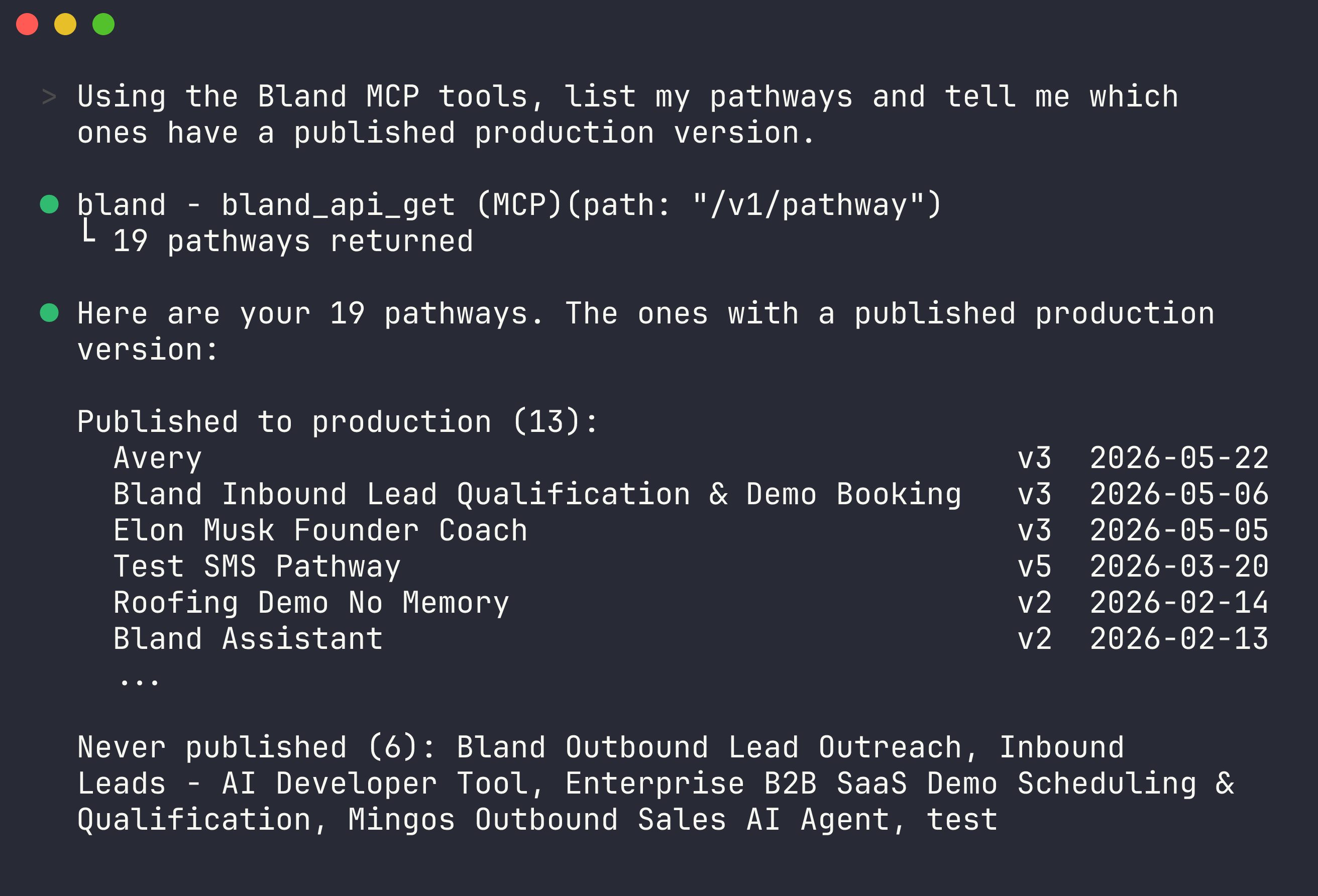
/mcp to see the server’s tools, or just ask:
claude mcp add configures the server for the current project only. Add --scope user to make it available in every project.
Sign in instead of using a key
Add the server without the header:/mcp also starts sign-in for a server that needs it. See Sign in with Bland for what the connection can do.
Next steps
Tool reference
Everything the MCP server can do.
Bland MCP Server
Auth, rate limits, and how the server works.