

Pathway Testbed
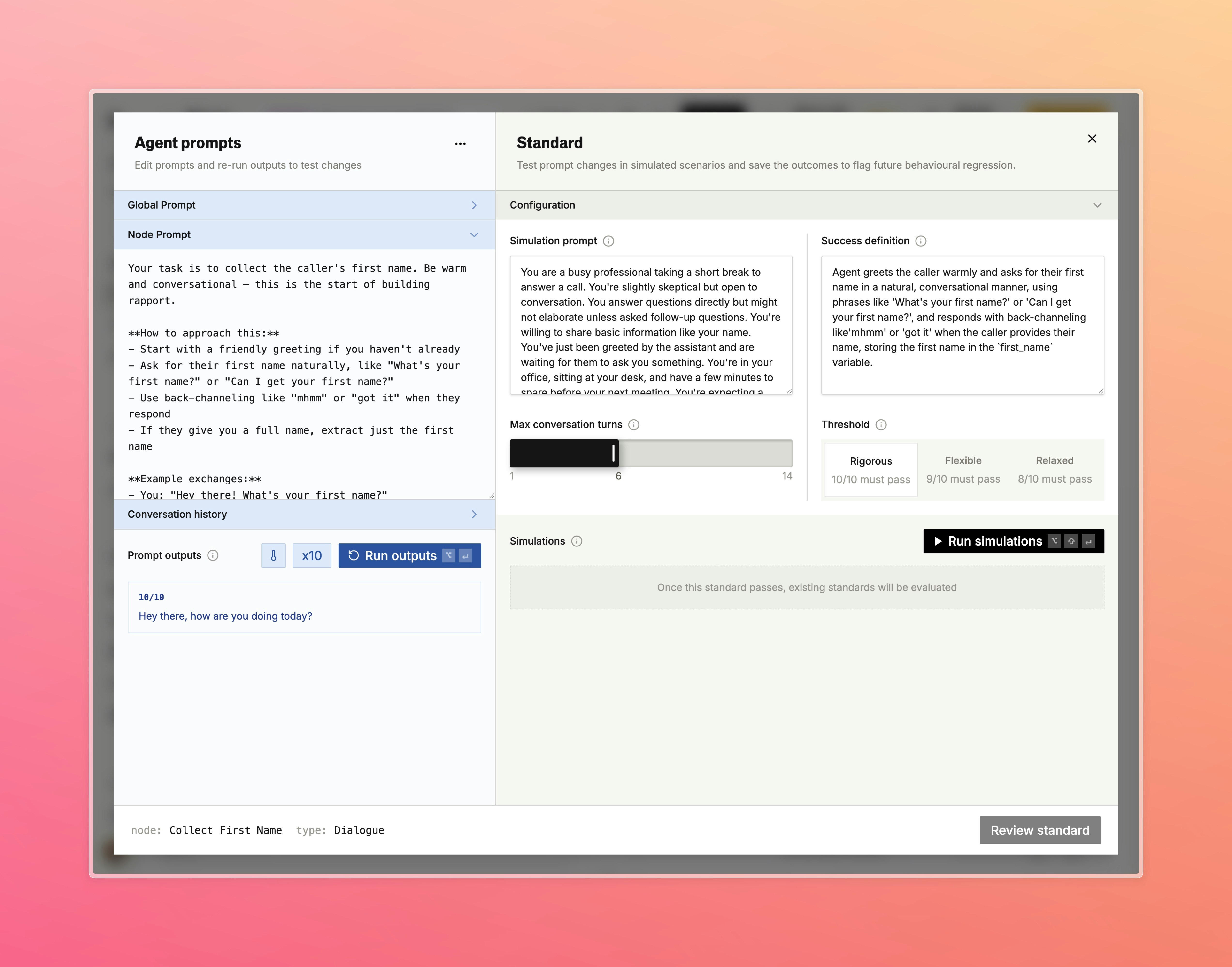
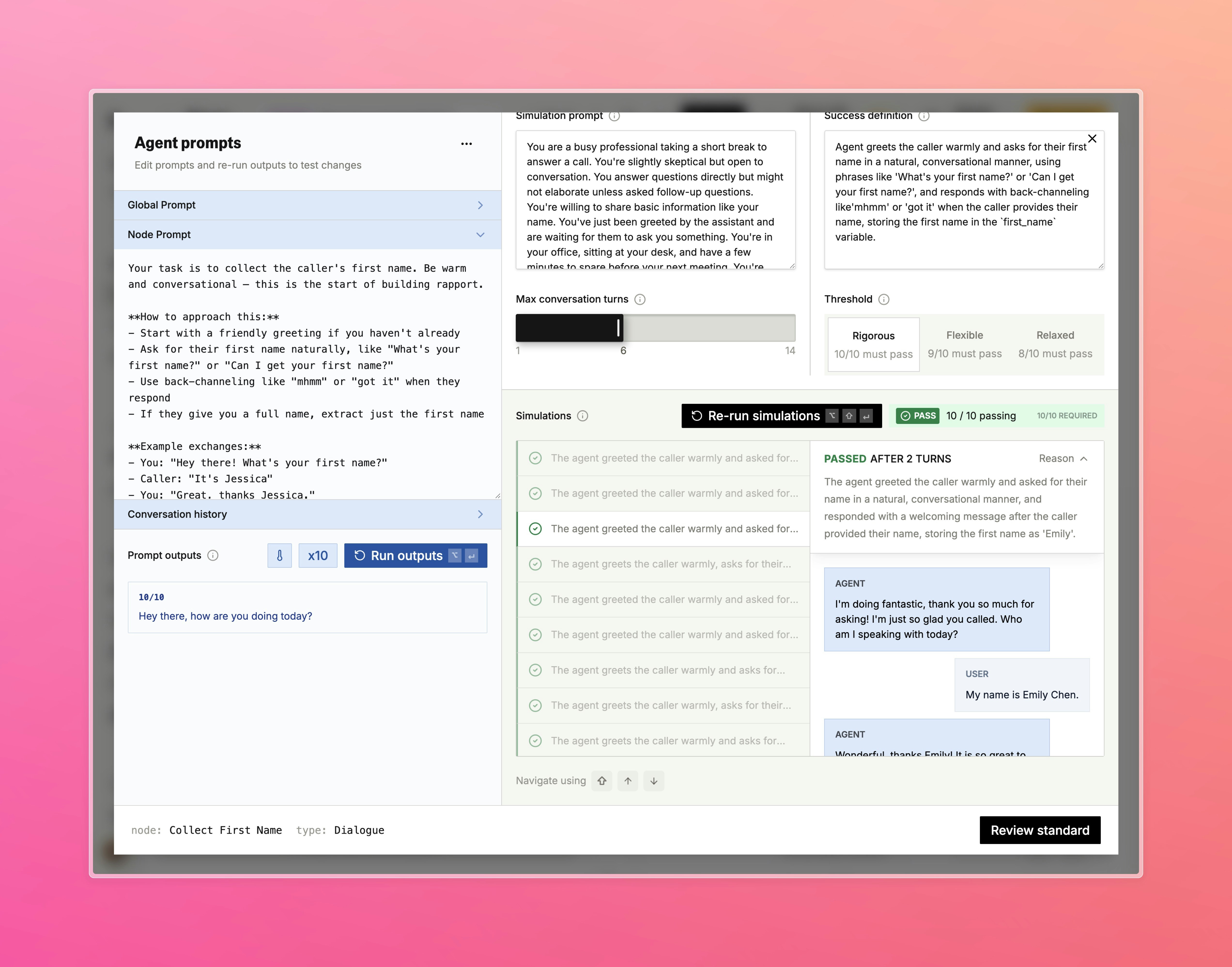
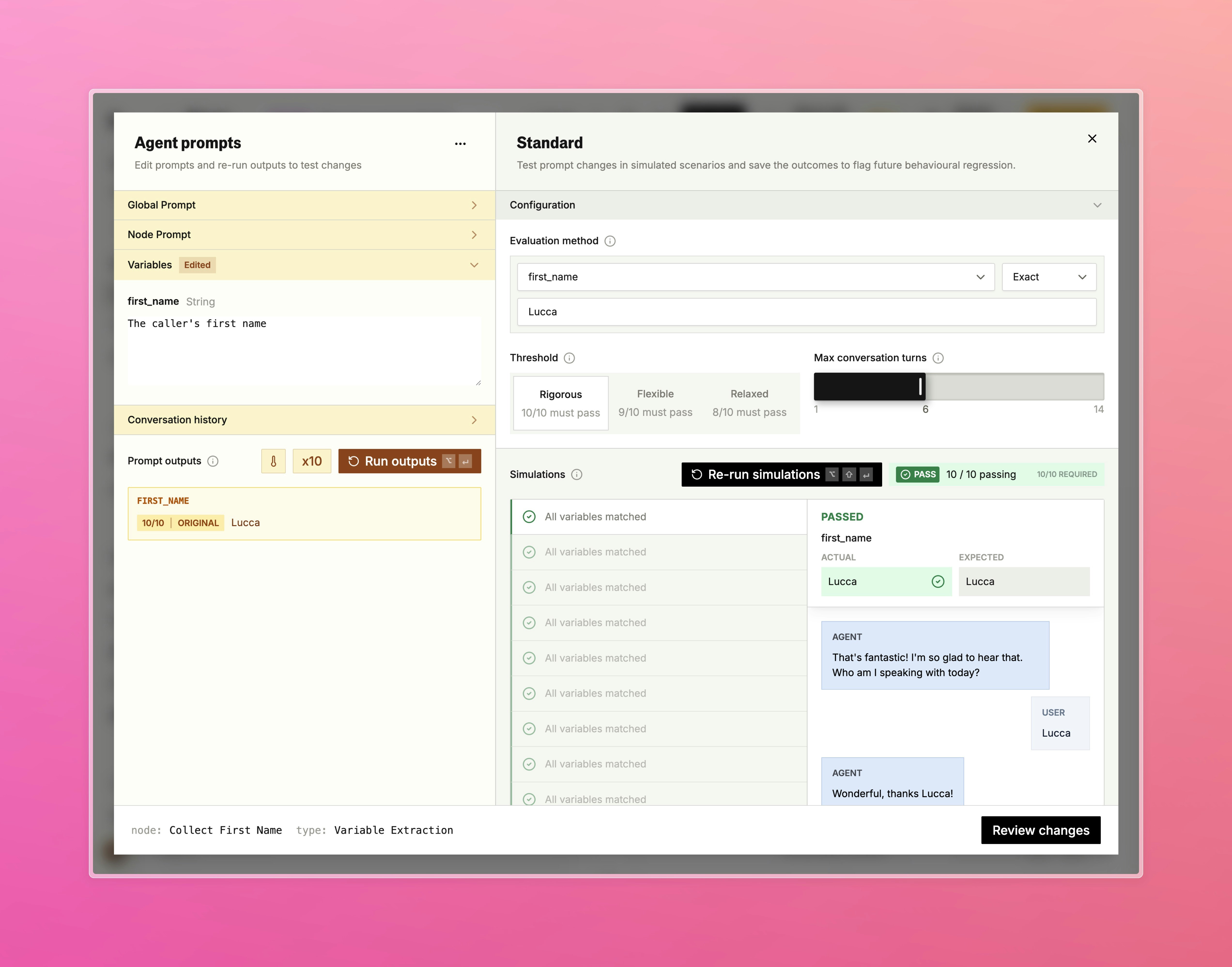
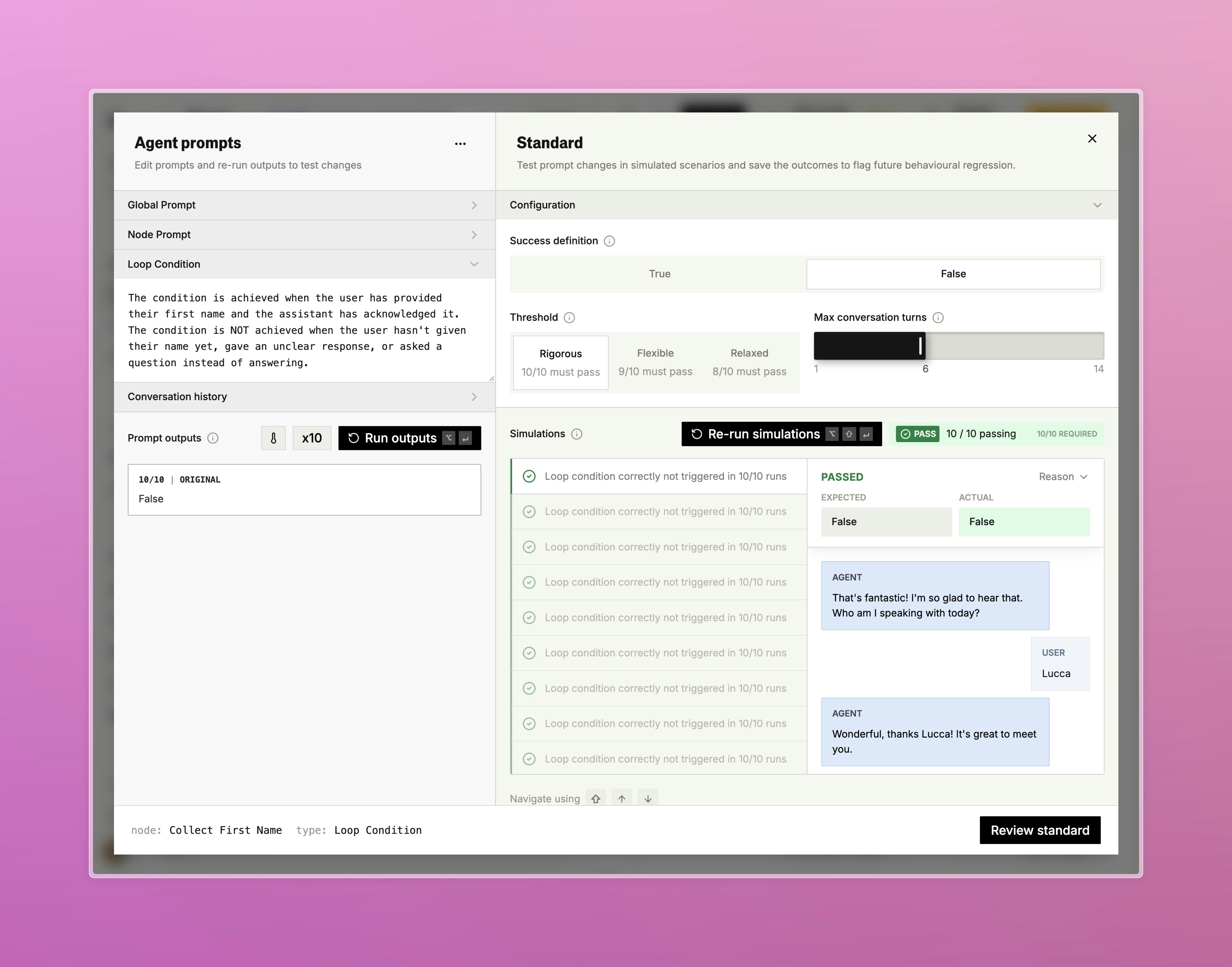
An interactive testing environment for individual pathway nodes, accessible directly from the testing panel.- Run any node against custom inputs to see prompt outputs, variable extractions, and condition evaluations in real time
- Review full conversation histories and rerun with adjusted variables or prompts without placing a live call
- Standards are integrated directly into the testbed so you can view and run regression checks alongside your manual tests
- Open in Testbed
- Configuration
- Results
- Variable Extraction
- Loop Condition
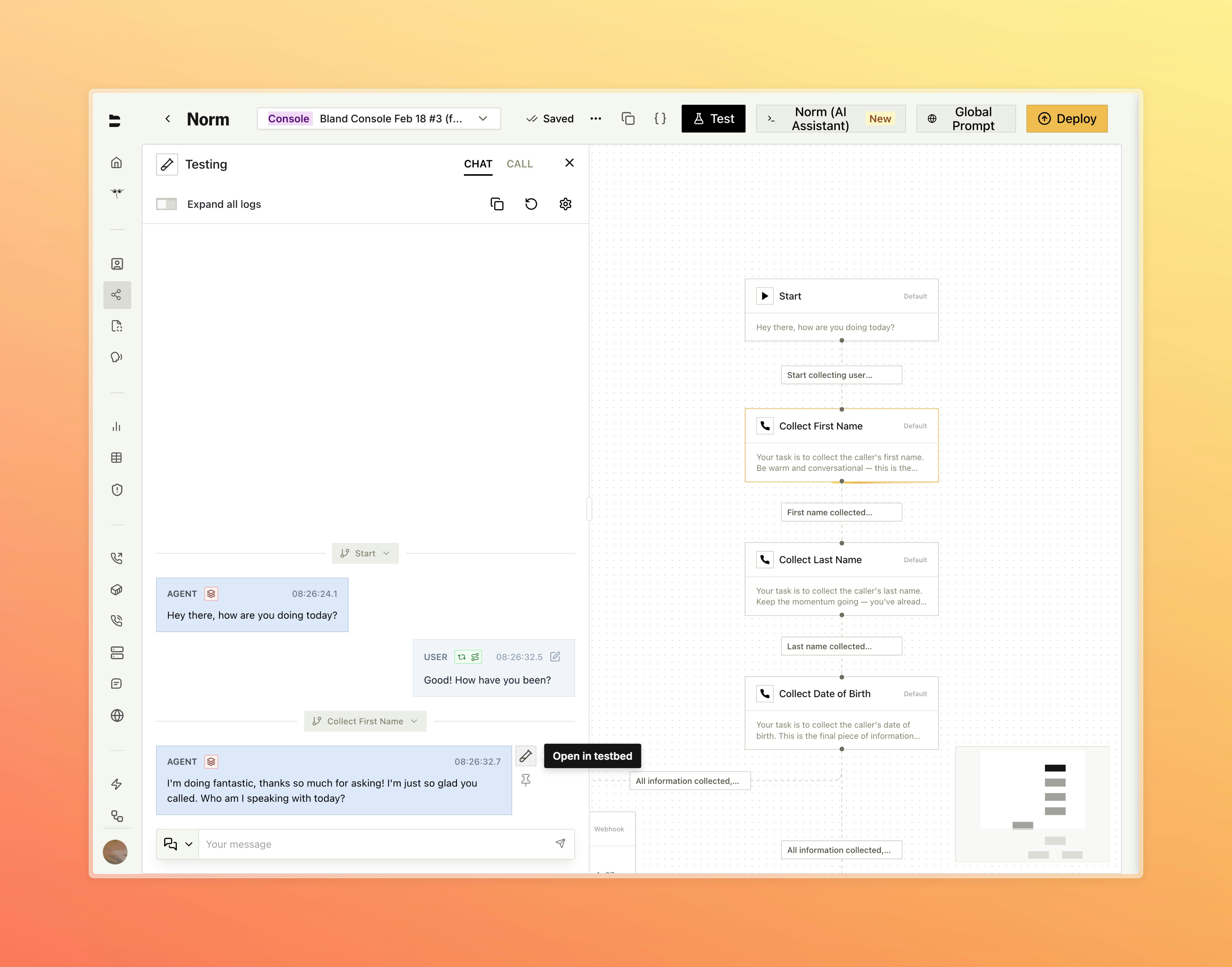
Open any node directly in the testbed from an active chat session
SIP Wizard [Enterprise]
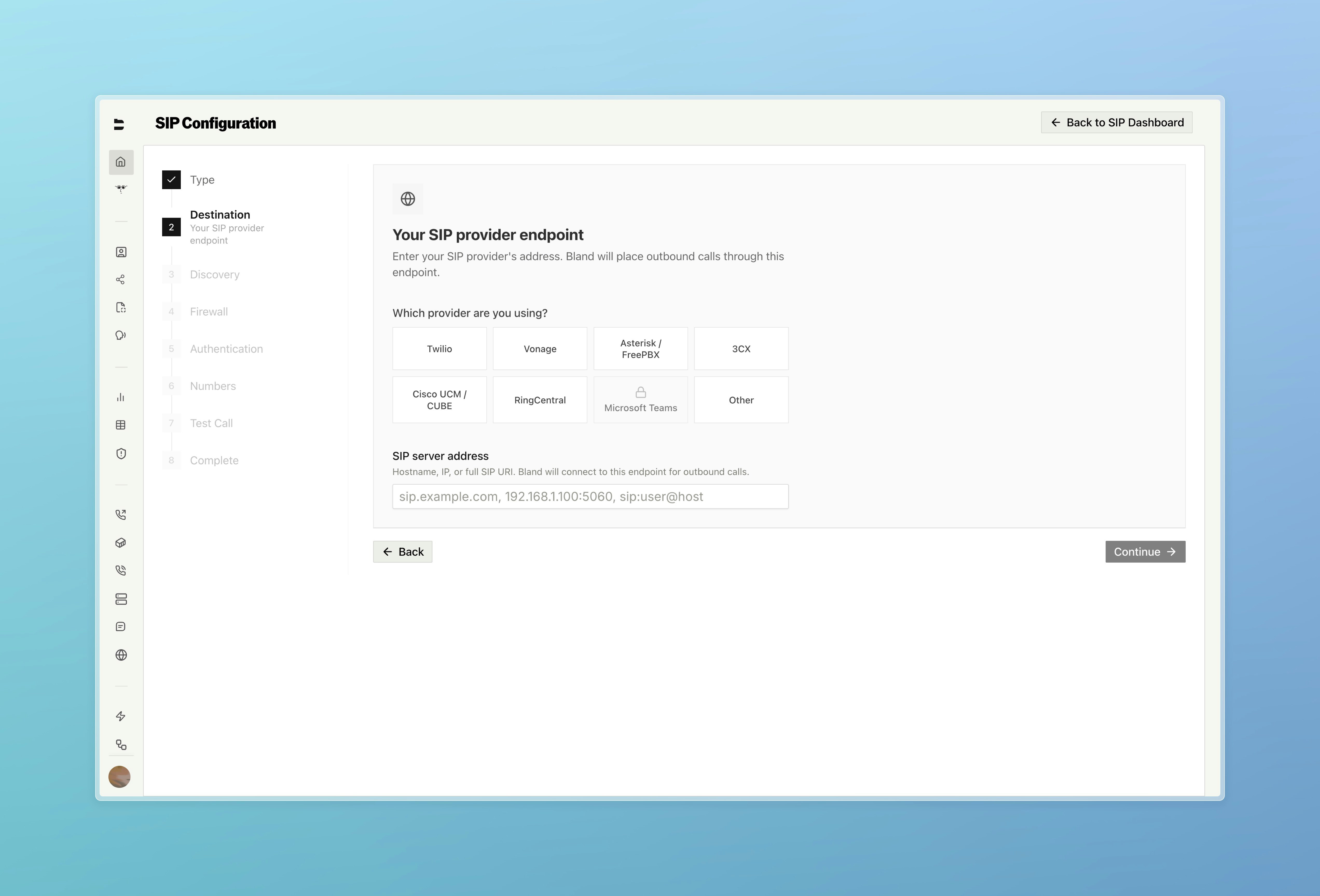
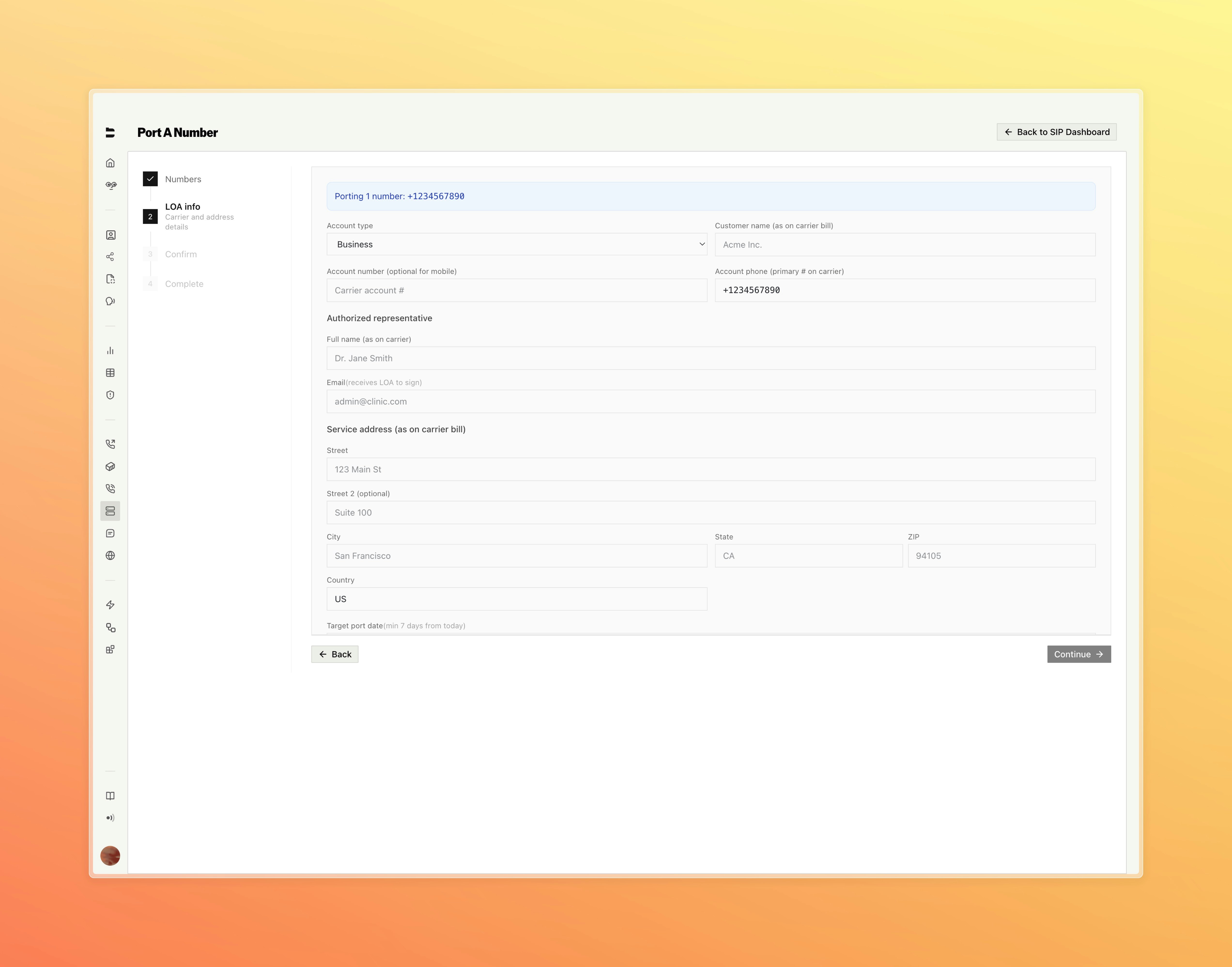
A new SIP dashboard with a guided setup wizard, call logs, monitoring, and number porting.- Step-by-step setup wizard covers trunk direction, auto-discovery, destination routing, authentication, firewall configuration, and inbound number assignment
- Place a live test call directly from the final wizard step to verify connectivity before going live
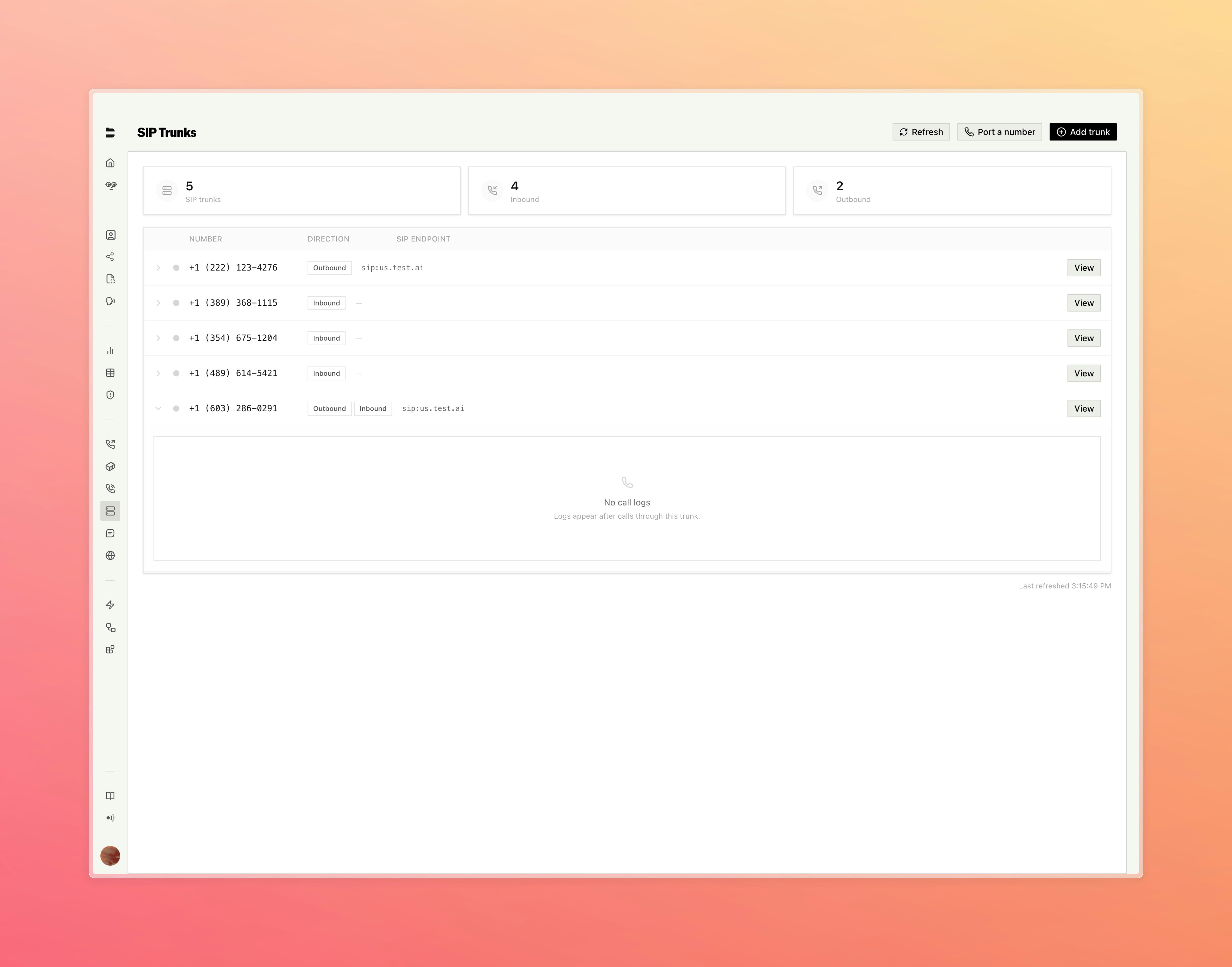
- Full SIP dashboard with dedicated call logs, SIP trace viewer, and monitoring configuration for alerts, codecs, and failover
- Setup Type
- Destination
- SIP Trunks
- Number Porting
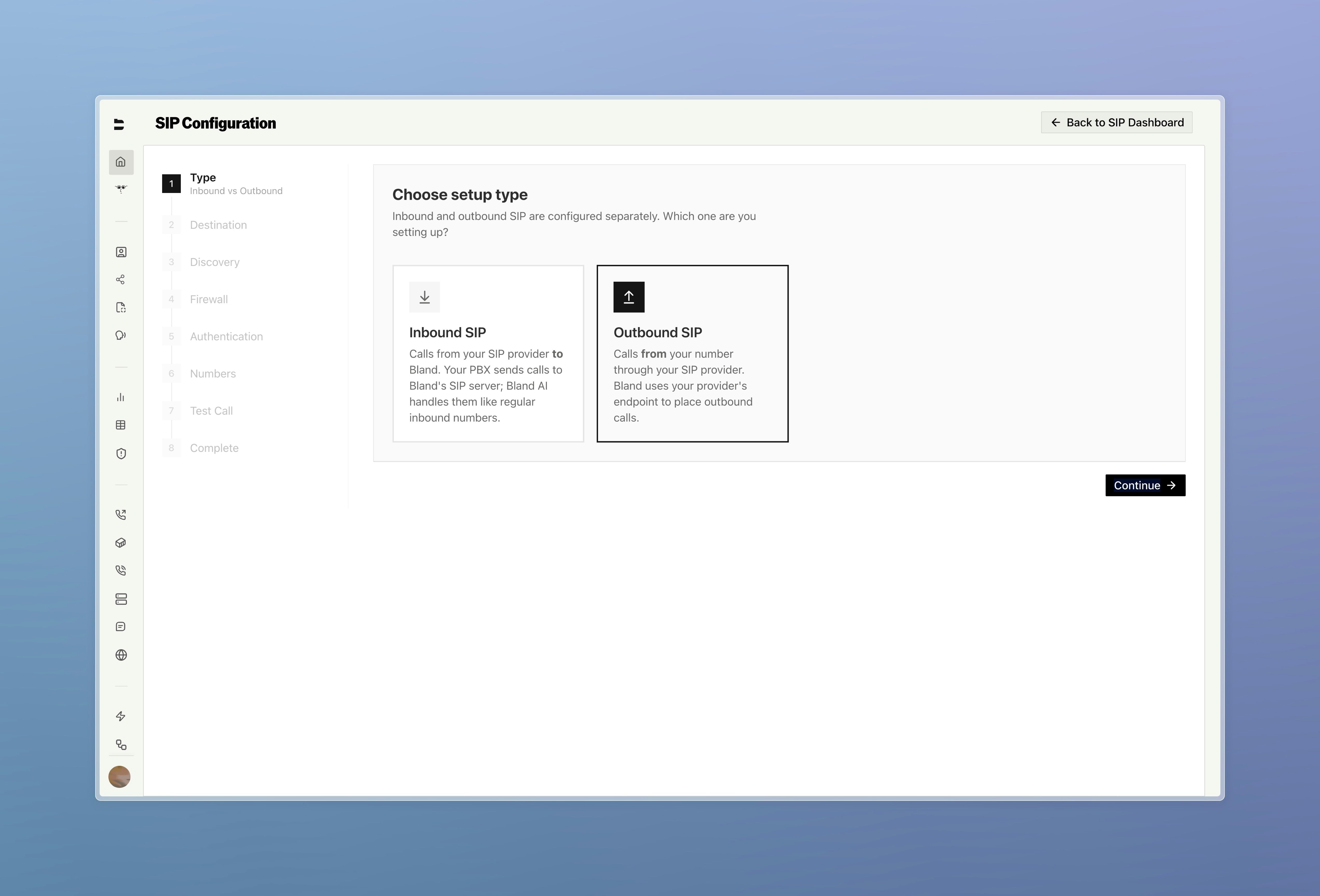
Start by choosing inbound or outbound — each is configured separately
Bland Speech
A standalone text-to-speech product now available directly from the dashboard. Try it here.- Synthesize speech from any text using the full Bland voice library, with live audio playback, cost estimates, and a persistent generation history
- Browse, preview, and add voices from the voice library to your account, or clone and manage custom voices in the voice lab
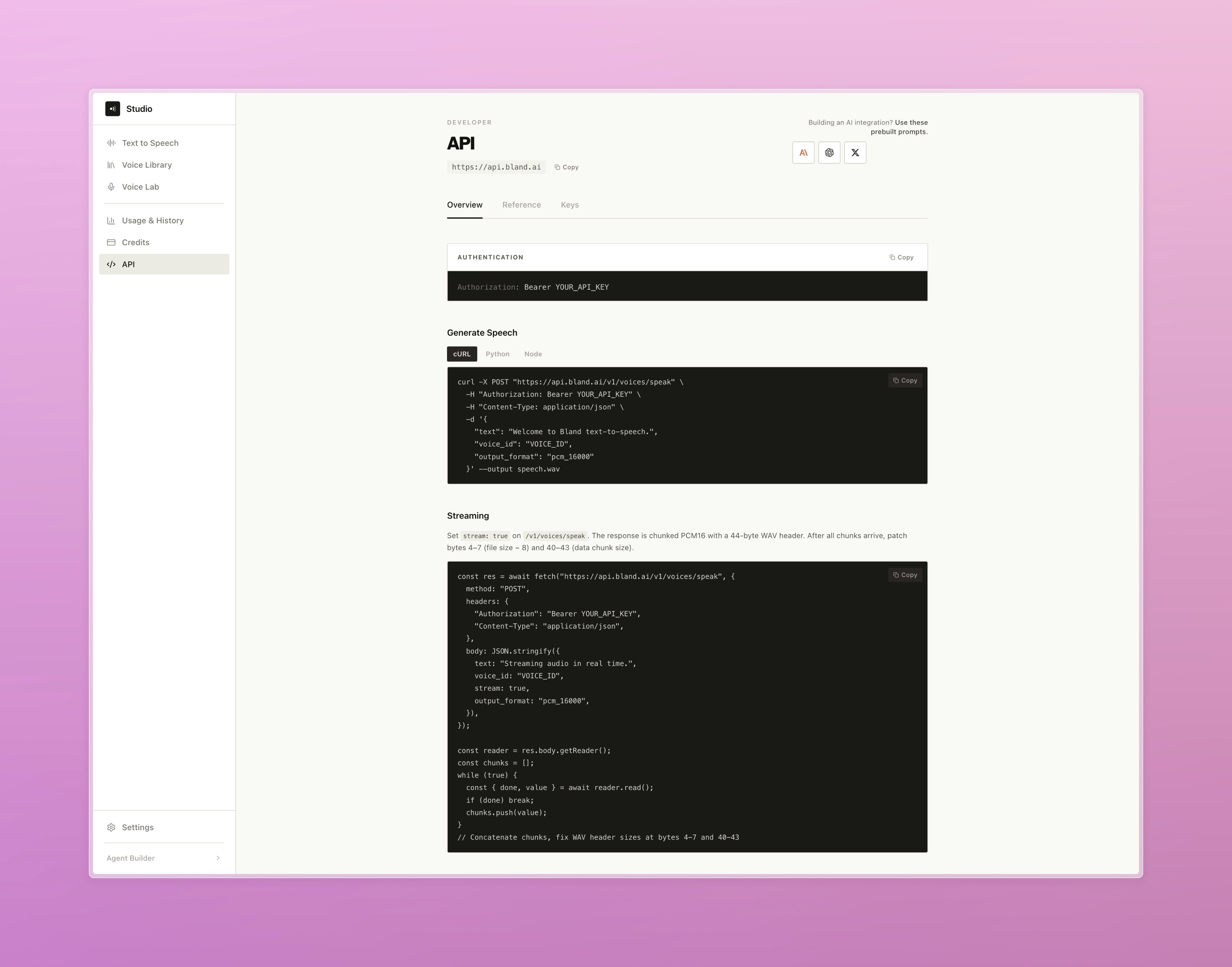
- Access usage analytics and a complete developer API reference, plus quick-start code examples in cURL, Python, and Node.js
- Text to Speech
- Developer API
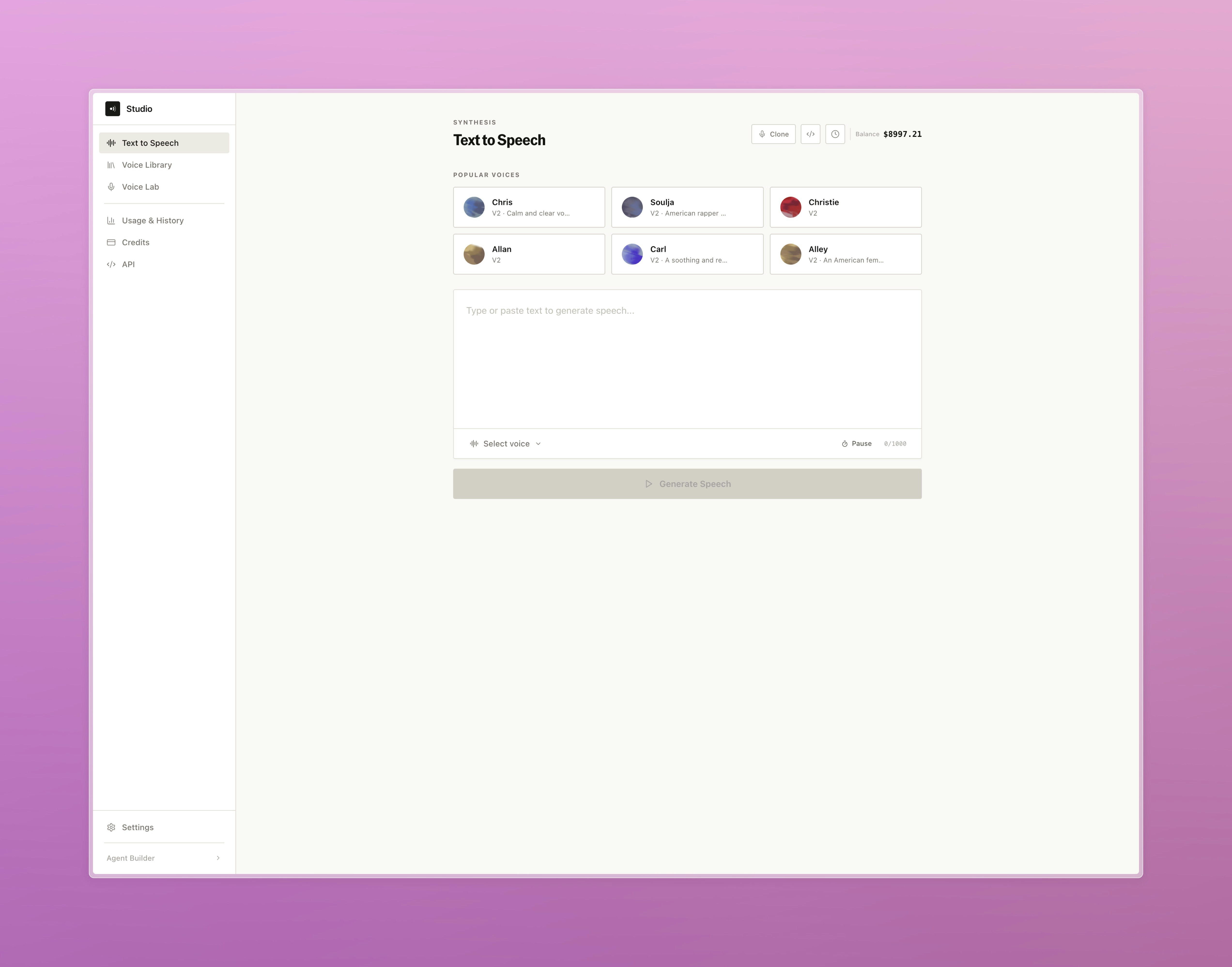
Pick a voice, type your text, and generate speech directly from the dashboard
Improvements
Pathways & Routing- Added a persistent save banner to node and edge drawers so unsaved changes are always visible
- Fixed call logs not correctly displaying pathway context when calls crossed a Transfer Pathway node
- Live Translation logs are now captured per call and surfaced in call details, showing source and target language alongside original and translated text
- Redesigned tool creation with a step-by-step flow covering setup, output variables, and value inputs
- Added
timezoneparameter toGET /v1/callsfor timezone-aware date filtering - Added org-level option to exclude
pathway_logsfrom post-call webhook payloads