> ## Documentation Index
> Fetch the complete documentation index at: https://docs.bland.ai/llms.txt
> Use this file to discover all available pages before exploring further.
# Connect Claude Code to the Bland MCP server
> Connect Claude Code to your Bland account with one command, or install the Bland plugin for skills, /bland:* commands, and Norm.
The Bland MCP server is a hosted, streamable-HTTP server. Every client needs the same two values:
* **URL:** `https://api.bland.ai/v1/mcp`
* **Header:** `Authorization: Bearer YOUR_BLAND_API_KEY`
Get your key from the [dashboard](https://app.bland.ai/dashboard/settings). Setting up a different tool? See all [MCP clients](/integrations/mcp/clients).
## Setup
Prefer the [Bland plugin](/integrations/mcp/norm) here; it does the most in Claude Code. For the server alone, first set your API key in the shell where you run Claude Code. Replace `org_...` with your key:
```bash theme={null}
export BLAND_API_KEY="org_..."
```
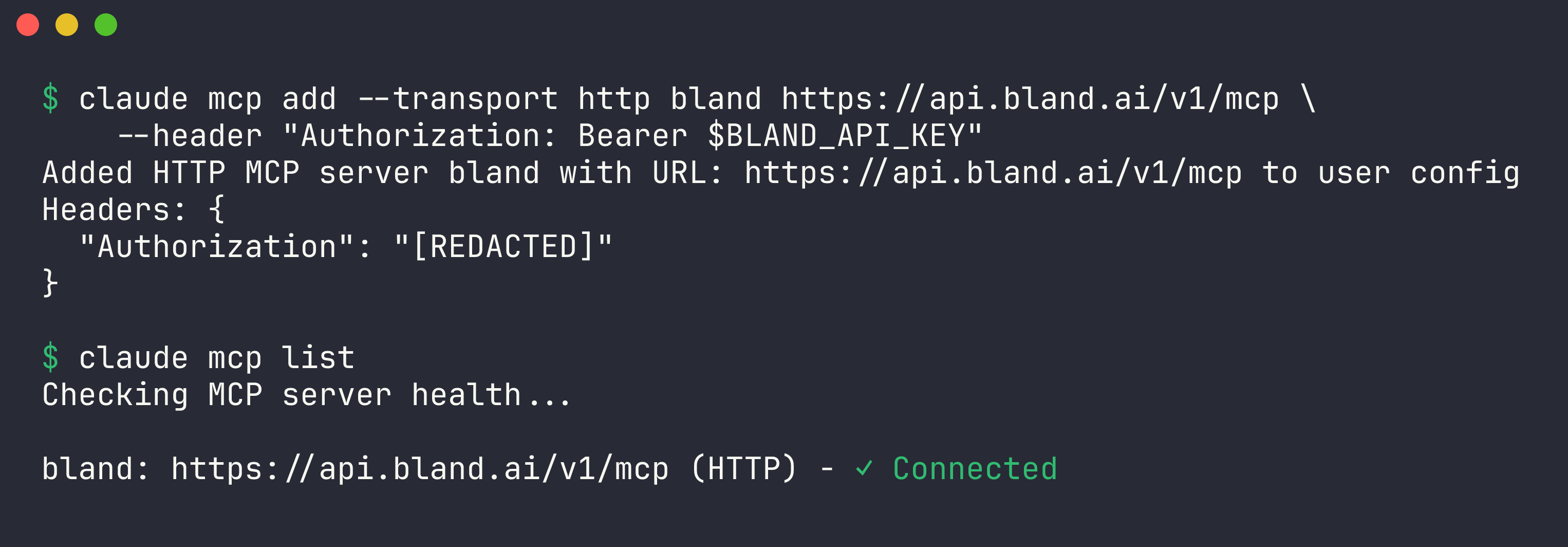
Then add the server:
```bash theme={null}
claude mcp add --transport http bland https://api.bland.ai/v1/mcp \
--header "Authorization: Bearer $BLAND_API_KEY"
```
Verify the connection:
```bash theme={null}
claude mcp list
```
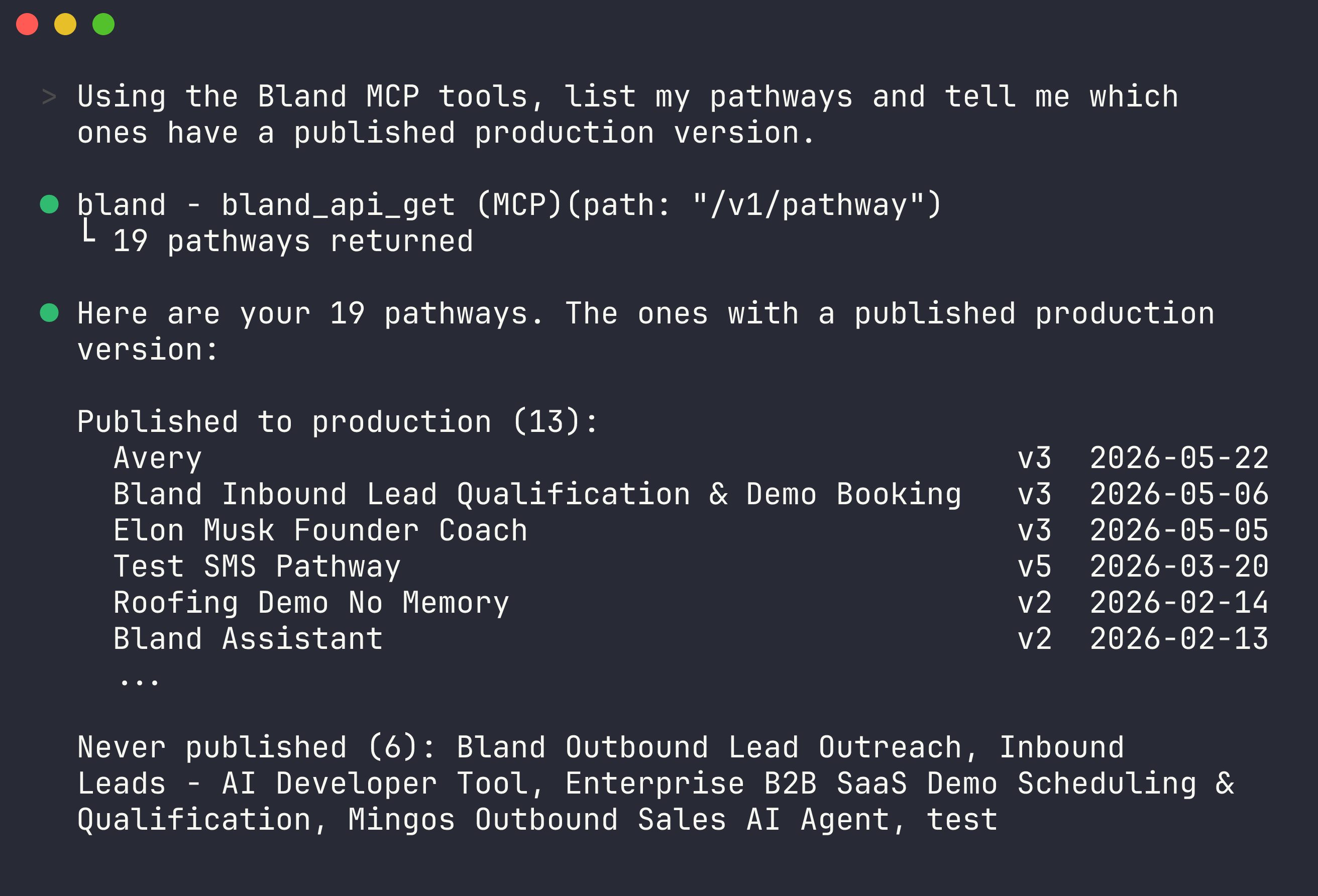
 Inside a session, run `/mcp` to see the server's tools, or just ask:
```text theme={null}
> list my pathways and tell me which ones have no published version
> pull the transcript of my last call and explain where the agent went off script
> create a pathway that qualifies inbound leads and books a demo
```
By default `claude mcp add` configures the server for the current project only. Add `--scope user` to make it available in every project.
Inside a session, run `/mcp` to see the server's tools, or just ask:
```text theme={null}
> list my pathways and tell me which ones have no published version
> pull the transcript of my last call and explain where the agent went off script
> create a pathway that qualifies inbound leads and books a demo
```
By default `claude mcp add` configures the server for the current project only. Add `--scope user` to make it available in every project.
 ## Next steps
Everything the MCP server can do.
Auth, rate limits, and how the server works.
Docs for agents: [llms.txt](/llms.txt)
## Next steps
Everything the MCP server can do.
Auth, rate limits, and how the server works.
Docs for agents: [llms.txt](/llms.txt)